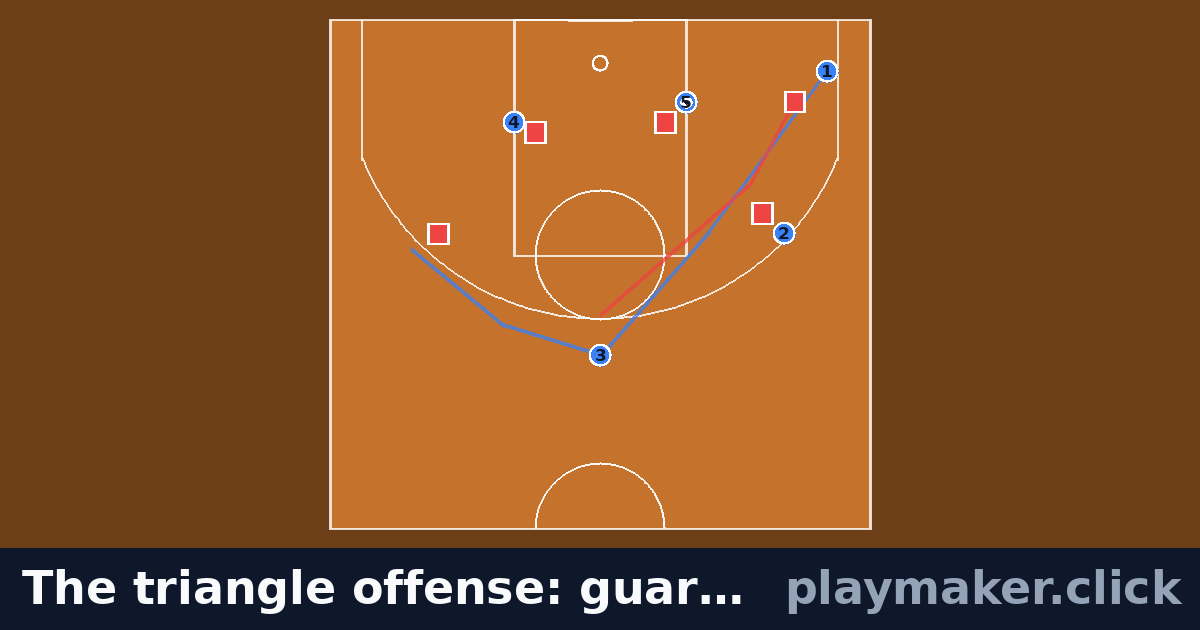
Featured
The triangle offense: guard through and post entry
by Playmaker
10 players · 3 runs
Send your team an animated basketball play as a link: free, no account, nothing to install. A half court that knows where the three-point line is: set your spacing, draw the cuts and the screens, press play.
Free forever, no signup, nothing to install.
Playmaker draws a 50 ft by 47 ft half basketball court to NBA geometry: the lane, the free-throw circle, the restricted area under the rim, the backboard and hoop, and the three-point line struck at 23 ft 9 in from the ring with the corner lines 22 ft off each sideline.
Spacing is the whole game, so the court has to be honest about it. The reason a corner three is a corner three is that the line is closer there — 22 ft against 23 ft 9 in — and on a hand-drawn court that difference disappears. When your five-out spacing looks wide here, it is wide on a real floor.
The plays worth drawing are the ones you run again: the horns entry out of a timeout, the BLOB you have three options off, the flare for your shooter when the defence jumps the first screen. All of them are sequences — screen, read, second cut — and a sequence is exactly what a still diagram cannot show.
Draw it once, press play, and you can see whether the screener is actually arriving before the cutter does. Then send the link to the group chat instead of describing it in the huddle at the next practice.
For out-of-bounds plays to start from, the basketball inbound plays guide animates a baseline stack and a box set from the sideline. Against a zone, the basketball plays against a 2-3 zone guide attacks the high post, the short corner and the weak-side corner.
Three basketball zone defences ship with it as well — 2-3, 1-3-1 and 1-2-2 — because the fastest way to teach an offence against a zone is to draw the zone and then draw the ball moving around it. Load the zone as your opposition, put your five where you want them, and the gap you are attacking is visible rather than described. To weigh up every set first, the basketball formations page puts the offences, the zones and the press side by side, with a table comparing each.
Most youth basketball is taught in a gym, at speed, with fifteen minutes and a whiteboard. An animated play a player can watch on the bus home does more teaching than the same play explained twice on a sideline. Playmaker is free for that reason — no account needed to draw a play, and a link that opens on any phone with no app to install.
Put your sets and out-of-bounds plays in a playbook on a free account and send the playbook's link. Each player presses Learn your job, picks their marker (the 1 through the 5), and sees the play frozen at the start with their own run hidden. They tap where they think they finish, pick their job if you gave them one, and then the play runs and shows them whether they were right. No app and no account for them, and they can go round it as often as they like before tip-off. Only a marker with a label or a number can be quizzed, so label yours first.
Your voice on the play. Record up to 30 seconds of yourself talking over a saved play as it moves, saying when the 2 curls and when they fade. Whoever opens the link hears you when they press play, and you can add what you said in writing for anyone who cannot listen. It is free on any account.
On game day the playbook stays in the bag. The free match-day sheet puts every play you will call on one printed page, under the headings a bench actually uses — BLOB, SLOB, ATO, press break, zone offence, short clock, last shot. Tag your plays and they land under the right heading on their own, and the sheet carries a QR code that plays them moving on an assistant's phone.
A youth player looking at a five-man diagram has to find themselves before they can learn anything. A position card is one page per position: every play, the point guard's cut bright and the other four faded, and a one-line job under each diagram.
A practice plan puts a start time beside every block. Start from a template, add any of the twelve basketball drills, from the three-man weave and shell defence to the pick and roll and a press break, keep the total inside your gym time, and print the run sheet. No account needed. Or print the free basketball practice plan template, the same plan as a one-page PDF.
The basketball rotation chart maker builds the substitution pattern for you: five on court, every player within one shift of everyone else and nobody on the bench twice in a row. Print it for the bench, and the names stay in your browser.
Each one drawn in this designer. Watch it run, then remix it for your own team.
Featured
by Playmaker
10 players · 3 runs
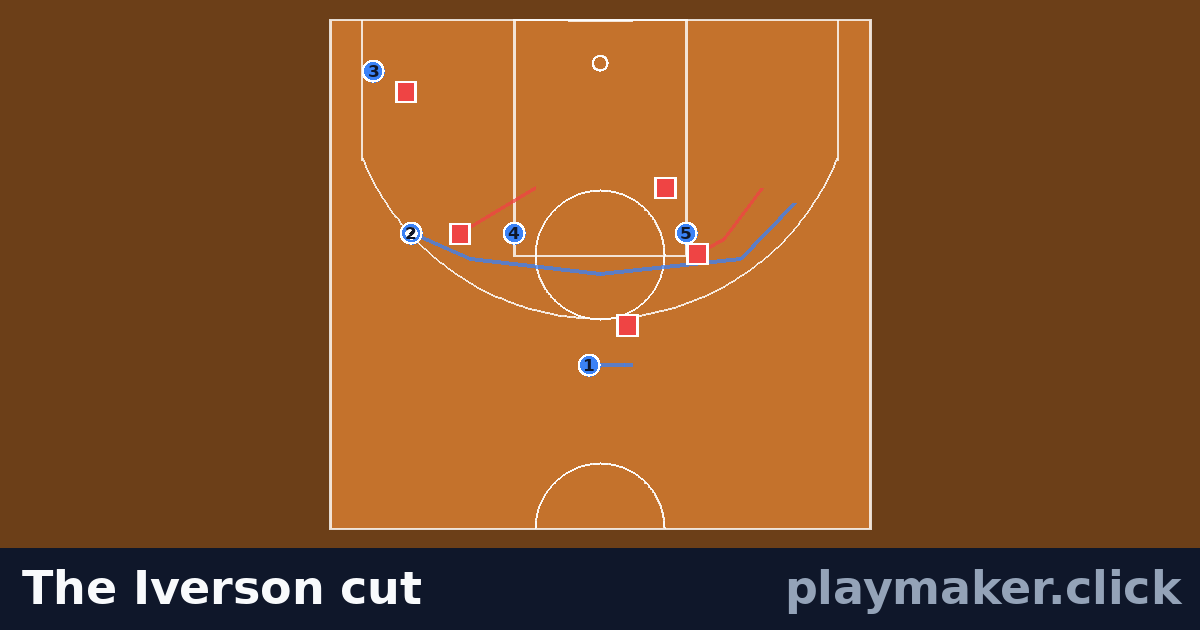
Featured
by Playmaker
10 players · 4 runs
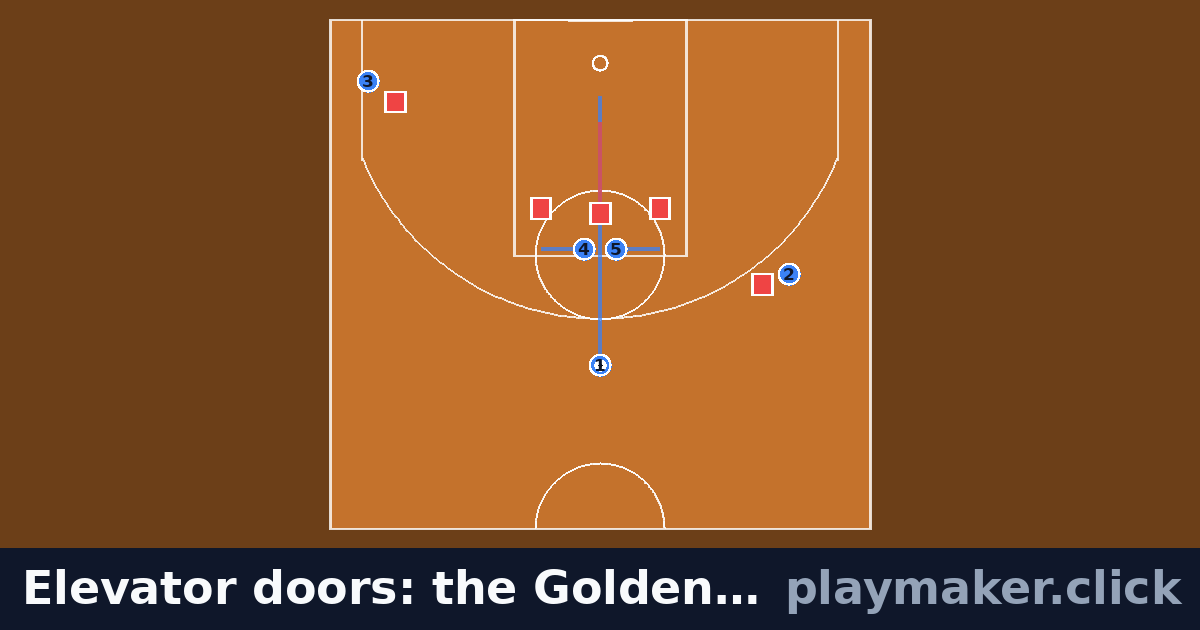
by Playmaker
10 players · 4 runs
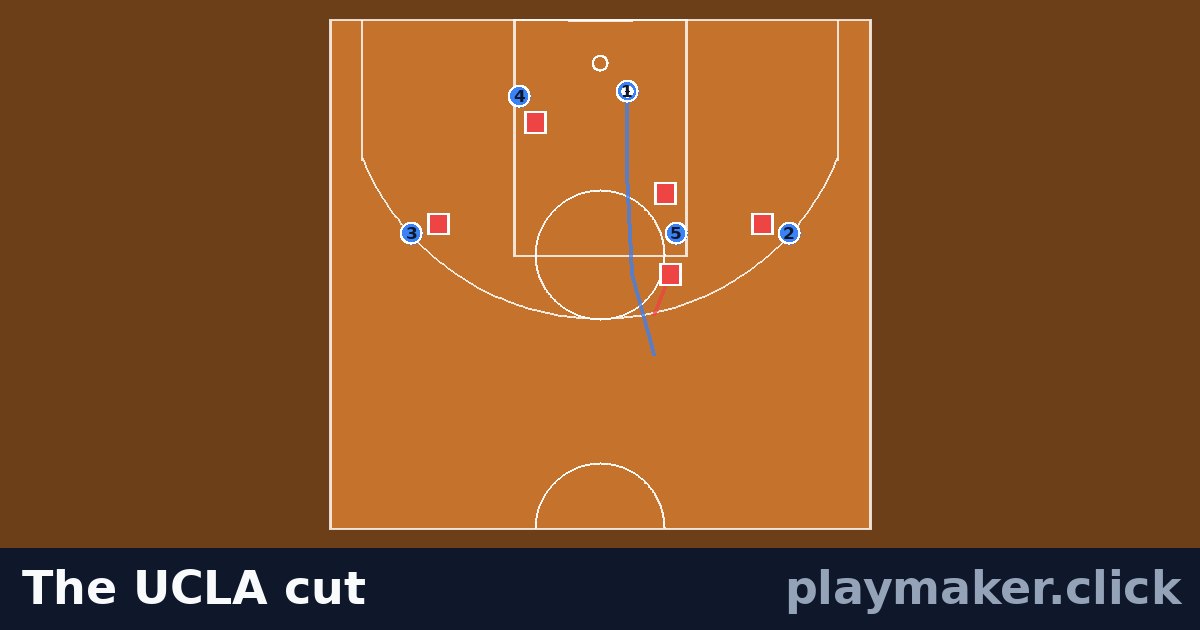
by Playmaker
10 players · 2 runs
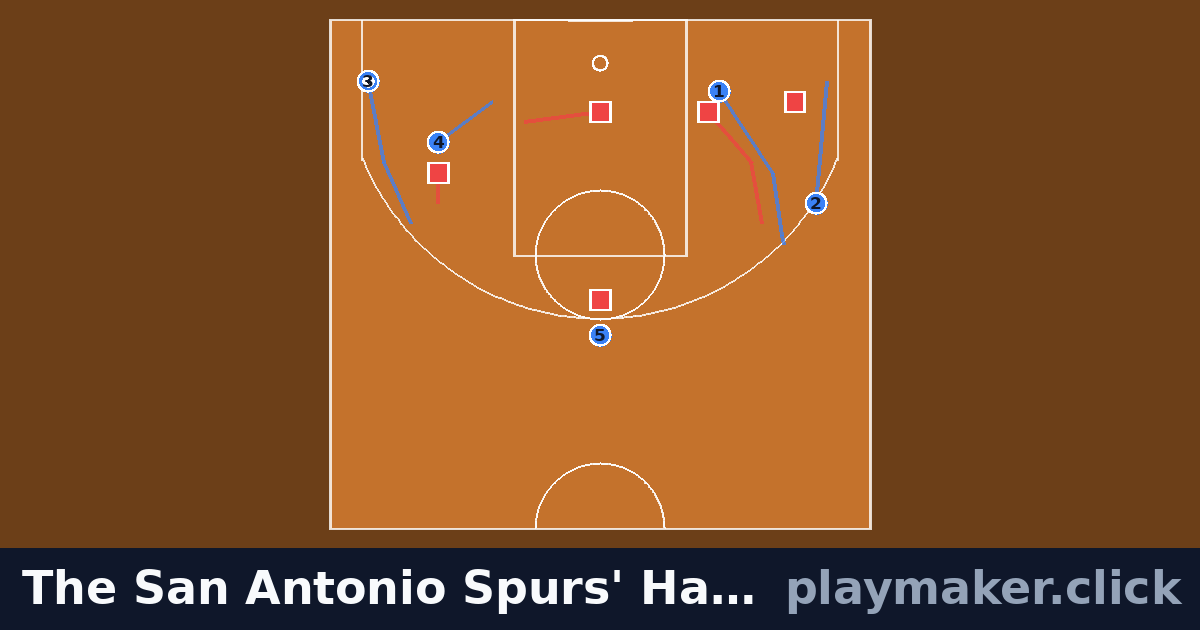
by Playmaker
10 players · 7 runs
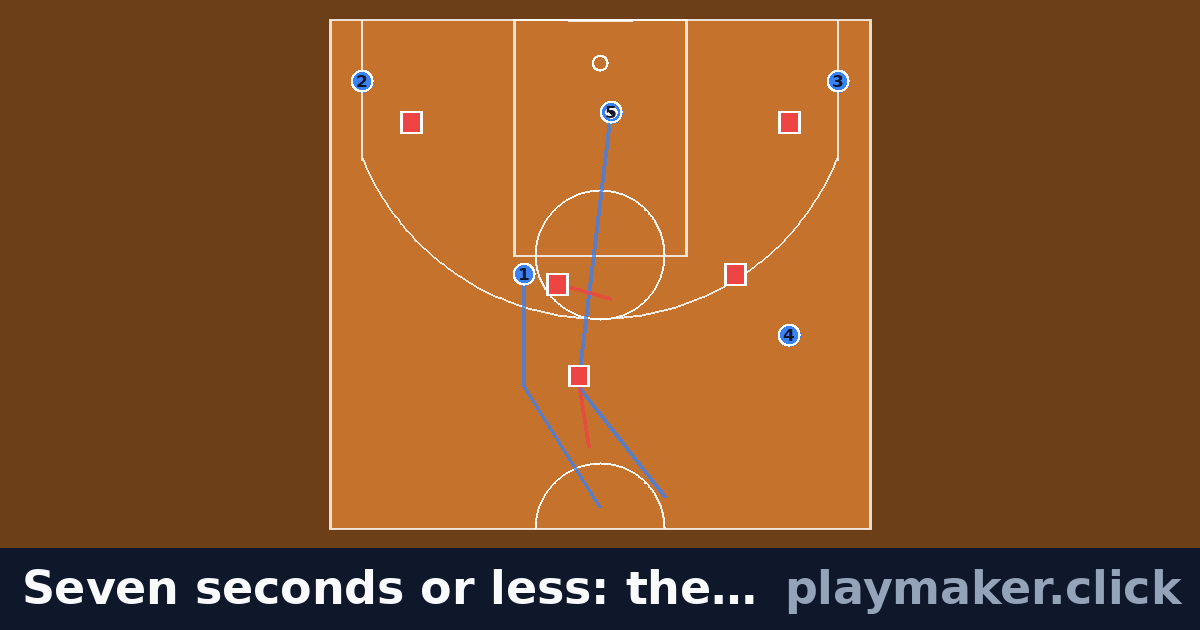
by Playmaker
10 players · 4 runs
Every one of these opens from the Formations button inside the designer. Load it, move the players your team does differently, and draw the runs from there.
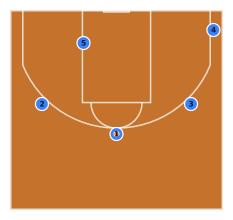
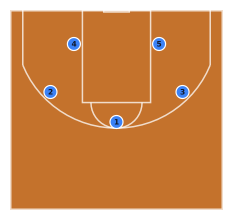
Attack
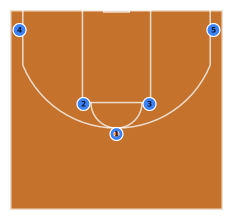
Four players spaced around the arc with one post on the left block. Keeps a genuine inside threat while leaving three-quarters of the floor open for perimeter action.
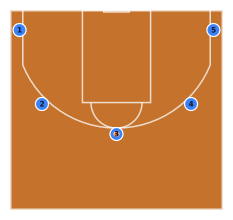
Attack
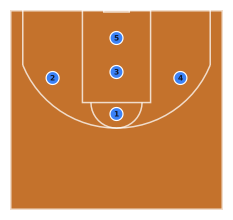
All five outside the three-point line — both corners, both wings and the top of the key — so the lane is completely empty to drive or cut into. The spacing motion offence most youth programmes start with.
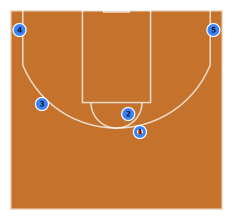
Attack
Ball handler above the arc on the right with the screener stepping up to meet him, both corners filled and the weak-side wing lifted. The three spacers keep help defenders a pass away from the roll.
Attack
Two bigs at the elbows, two shooters in the corners, the ball at the top of the key. Every horns action — the double drag, the flare, the elbow entry — starts from exactly this picture.
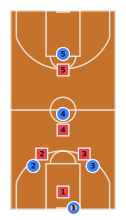
Attack
Beating a full-court press from your own baseline: two guards at the free-throw line extended to give the inbounder two targets, a middle at half court for the pass over the trap and a long man in the front court for the score.
Defence
One up top, two on the wings and two low. Pressures the ball higher than a 2-3 and invites the pass into the middle, where the two low defenders are waiting.
Defence
One at the point, three across the middle — two wings plus a defender in the heart of the lane — and one on the baseline. Traps hard in the corners and takes away the high post.
Defence
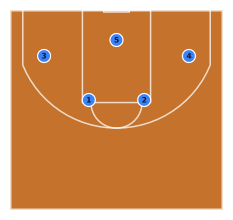
Two guards at the free-throw line extended over three across the baseline. Protects the paint and the boards, and asks the offence to beat it from outside.
Defence
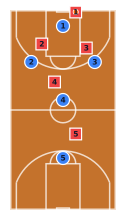
The 1-2-1-1 after a made basket: one on the inbounder, two trapping at the free-throw line extended, one at half court reading the pass and a safety back at the rim. Built to force the first pass to the sideline and trap it there.
Setup, coaching points and progressions for each, and one tap to add it to your session plan with its time.
Famous plays and plays published by coaches, each drawn in this designer. Watch any one animate, then remix it for your team.
Browse basketball playsYes. Drawing, animating and sharing basketball plays is free and unlimited, and there is no signup. A free account keeps three saved plays; the paid plan lifts that limit and takes the watermark off exports, but the designer itself is not behind it.
Both, drawn to NBA dimensions. The half court is where set plays, zones and out-of-bounds plays are coached. Switch to the full court for presses, press breaks and transition, baseline to baseline. On a wide screen the full court turns sideways, so the players stay big enough to read.
Nine basketball templates: 5-out, 4-out 1-in, high pick and roll and horns on the offensive side, 2-3, 1-3-1 and 1-2-2 zones on the defensive side, and a full-court diamond press with a press break to beat it. Each is a starting picture to move players from, not a finished play.
Yes — every movement you drag becomes a timed path, and playback shows the order things happen in. A ball screen reads correctly because the screener's arrival and the handler's drive are on the same timeline, which is the part a static diagram always loses.
Yes. A second team of players is drawn as squares, so a zone or a matchup is never confused with your own five on a printed play sheet.
Yes. Any play exports as a PNG, and a printable play card lays the diagram out with your notes for a folder or a clipboard. Both work from the same play you drew, so the sheet and the animation cannot disagree.
The same play creation tool draws every one of them — and plenty of PE departments need two or three.
It opens on the basketball pitch, it costs nothing, and your team can watch the play animate from a link.
Open the designerPage updated · What Playmaker is
Count your visit with our own cookie? No ad networks. What we collect